
How to Mask Aadhaar Numbers in PDFs, Scanned Images and Mobile Uploads
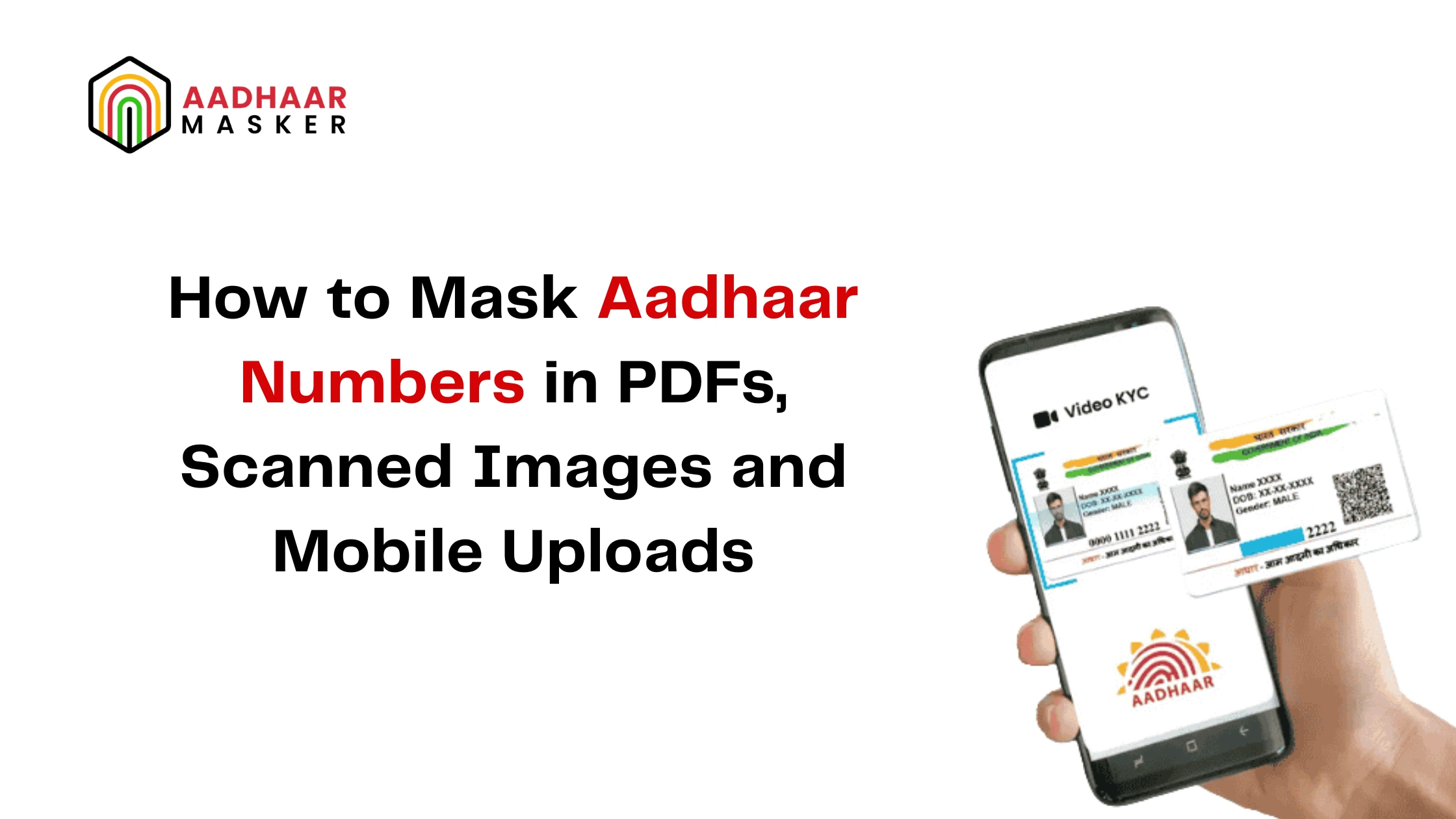
As digital onboarding and eKYC continue to grow, organizations receive Aadhaar documents in formats such as PDFs, scanned copies, and mobile images. Protecting sensitive Aadhaar information across these formats is essential for secure document processing and privacy.
In this guide, you'll learn how Aadhaar masking software automates Aadhaar image masking, scanned Aadhaar masking, and Aadhaar number masking using AI and OCR while supporting document privacy automation and UIDAI compliant Aadhaar masking.
What Is Aadhaar Number Masking?
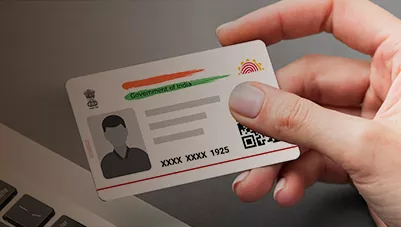
Aadhaar number masking is the process of hiding the first eight digits of an Aadhaar number while displaying only the last four digits. This allows organizations to continue identity verification without unnecessarily exposing sensitive personal information.
Modern Aadhaar masking software uses Artificial Intelligence (AI) and Optical Character Recognition (OCR) to automatically identify Aadhaar numbers in different document formats and apply masking within seconds.
A typical workflow includes:
- *Upload Aadhaar document
- *OCR detects the Aadhaar number
- *Automatic Aadhaar number masking
- *Generate a masked document
- *Secure storage or sharing
Whether the document is a PDF, scanned copy, or mobile image, the masking process remains fast, accurate, and consistent.
If you're new to Aadhaar masking, read our Complete Guide to Aadhaar Masking Software to understand how AI-powered masking works and why it is becoming essential for secure document processing.
Why Is Aadhaar Masking Important Across Different File Formats?
Organizations receive Aadhaar documents from multiple sources every day. Customers may upload:
- *PDF files
- *Scanned Aadhaar copies
- *Mobile camera images
- *Photographs shared through applications
- *Digitized document archives
Each format presents different challenges, such as varying image quality, file sizes, lighting conditions, or document orientation.
Implementing automated masking ensures that sensitive Aadhaar information is protected regardless of how the document is received.
Benefits include:
Reduce Sensitive Data Exposure
Only the required portion of the Aadhaar number remains visible.
Improve Document Privacy
Organizations can securely process Aadhaar documents without exposing complete identity information.
Standardize Privacy Protection
Every uploaded document follows the same masking process regardless of file type.
Support Document Privacy Automation
Automation removes manual intervention and protects documents throughout digital workflows.
Improve Operational Efficiency
High volumes of documents can be processed consistently within seconds.
Who Should Use Aadhaar Masking Software?
Any organization receiving Aadhaar documents digitally can benefit from automated masking.
Industries include:
Banking and NBFCs
Customer onboarding, account opening, and lending.
Insurance
Policy issuance and claims processing.
Healthcare
Patient registration and insurance verification.
Fintech
Digital KYC and remote identity verification.
Telecom
Citizen identity validation and document processing.
Government and Public Sector Organizations
Employee onboarding and document management..
Organizations processing large volumes of Aadhaar documents benefit significantly from automated document privacy automation.
Where Is Aadhaar Image Masking Applied?
Organizations should apply Aadhaar image masking wherever Aadhaar documents enter digital systems.
Common workflows include:
- *Customer onboarding portals
- *Mobile applications
- *eKYC platforms
- *Loan processing systems
- *Insurance portals
- *Healthcare registration
- *HR onboarding
- *CRM platforms
- *Email attachments
- *Cloud document repositories
- *Digital archives
How to Mask Aadhaar Numbers in PDFs, Scanned Images and Mobile Uploads
Modern Aadhaar masking software automatically processes various document formats using AI and OCR.
Step 1: Upload the Aadhaar Document
Users upload an Aadhaar document in any supported format, including:
- *JPEG
- *PNG
- *Scanned document
- *Mobile camera image
Step 2: Detect the Aadhaar Document
The AI engine identifies whether the uploaded file contains an Aadhaar card.
Step 3: Extract Aadhaar Information
OCR technology accurately reads text from the document, even if it is scanned or captured using a mobile phone.
Step 4: Perform Aadhaar Number Masking
The software automatically masks the first eight digits while displaying only the last four digits.
Step 5: Generate the Protected Document
The masked PDF or image is securely returned for:
- *Verification
- *Storage
- *Sharing
- *Workflow automation
The complete process takes only a few seconds.
If you're building this capability into your applications, read our guide on Common Aadhaar Masking Mistakes That Can Lead to Compliance Risks
How Does Scanned Aadhaar Masking Work?
Unlike digitally generated documents, scanned Aadhaar copies often contain:
- *Low image quality
- *Blurred text
- *Shadows
- *Rotation
- *Background noise
Modern OCR engines automatically correct these issues before detecting the Aadhaar number.
This enables accurate scanned Aadhaar masking even when document quality varies, reducing the need for manual corrections.
Best Practices for UIDAI Compliant Aadhaar Masking
Organizations should follow these best practices to protect Aadhaar information across all document formats:
- *Use UIDAI compliant Aadhaar masking techniques.
- *Automate masking immediately after document upload.
- *Apply masking consistently across PDFs, scanned images, and mobile uploads.
- *Encrypt documents during storage and transmission.
- *Restrict access to original Aadhaar documents.
- *Maintain audit logs for document processing.
- *Integrate masking into existing onboarding workflows.
- *Regularly validate OCR and masking accuracy.
These practices improve both security and operational efficiency while supporting responsible document handling.
Why Automated Aadhaar Masking Is Better Than Manual Editing
Manually masking Aadhaar numbers in PDFs or images is time-consuming and prone to errors.
AI-powered Aadhaar masking software offers several advantages:
- *Automatically detects Aadhaar documents
- *Performs accurate Aadhaar number masking
- *Supports PDFs, scanned copies, and mobile images
- *Eliminates manual editing
- *Improves document processing speed
- *Enables document privacy automation
- *Processes large document volumes consistently
- *Reduces operational costs
Automation helps organizations securely process identity documents without slowing customer onboarding.
Want to understand why automation outperforms manual methods? Read our guide on Why Manual Aadhaar Redaction Is Risky Compared to AI-Based Masking (Sub Blog 5) to explore the advantages of AI-powered masking.
Eliminate Aadhaar Masking Errors with AI Automation
Manual masking leaves room for mistakes that can expose sensitive customer data. Upgrade to AI-powered Aadhaar masking software to automate automatic Aadhaar redaction, improve document accuracy, and reduce compliance risks.
- * AI-powered masking
- *Faster document processing
- *Secure, scalable automation
Conclusion
Organizations today receive Aadhaar documents in many formats, from PDFs and scanned copies to mobile uploads. Protecting sensitive identity information consistently across these formats is essential for secure digital operations.
By implementing Aadhaar masking software, businesses can automate Aadhaar image masking, scanned Aadhaar masking, and Aadhaar number masking while improving document privacy automation and following UIDAI compliant Aadhaar masking practices.
As digital onboarding continues to grow, automated masking enables organizations to securely process Aadhaar documents with greater accuracy, efficiency, and confidence.
Protect Aadhaar Documents Across Every File Format
Secure PDFs, scanned documents, and mobile uploads with AI-powered Aadhaar masking software.
Book a Free Demo and discover how AI-powered Aadhaar masking software helps organizations securely process Aadhaar documents across every digital workflow.

Top Posts
- What Is Aadhaar Number Masking?
- Why Is Aadhaar Masking Important Across Different File Formats?
- Who Should Use Aadhaar Masking Software?
- Where Is Aadhaar Image Masking Applied?
- How to Mask Aadhaar Numbers in PDFs, Scanned Images and Mobile Uploads
- How Does Scanned Aadhaar Masking Work?
- Best Practices for UIDAI Compliant Aadhaar Masking
- Why Automated Aadhaar Masking Is Better Than Manual Editing
- Conclusion