How to Mask Aadhaar in PDFs, Images, and Scanned Documents Automatically?
Aadhaar is India’s most widely used digital identity, relied upon across banking, fintech, telecom, insurance, healthcare, and government services. While Aadhaar enables fast and reliable identity verification, it also carries significant data privacy risks if not handled correctly. To prevent misuse and comply with UIDAI guidelines, organizations are required to mask Aadhaar numbers especially when storing or sharing documents.
Automated Aadhaar masking has emerged as the most reliable way to protect sensitive information in PDFs, images, and scanned documents, while ensuring compliance and operational efficiency.
Understanding Aadhaar Masking
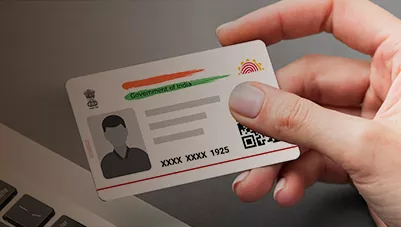
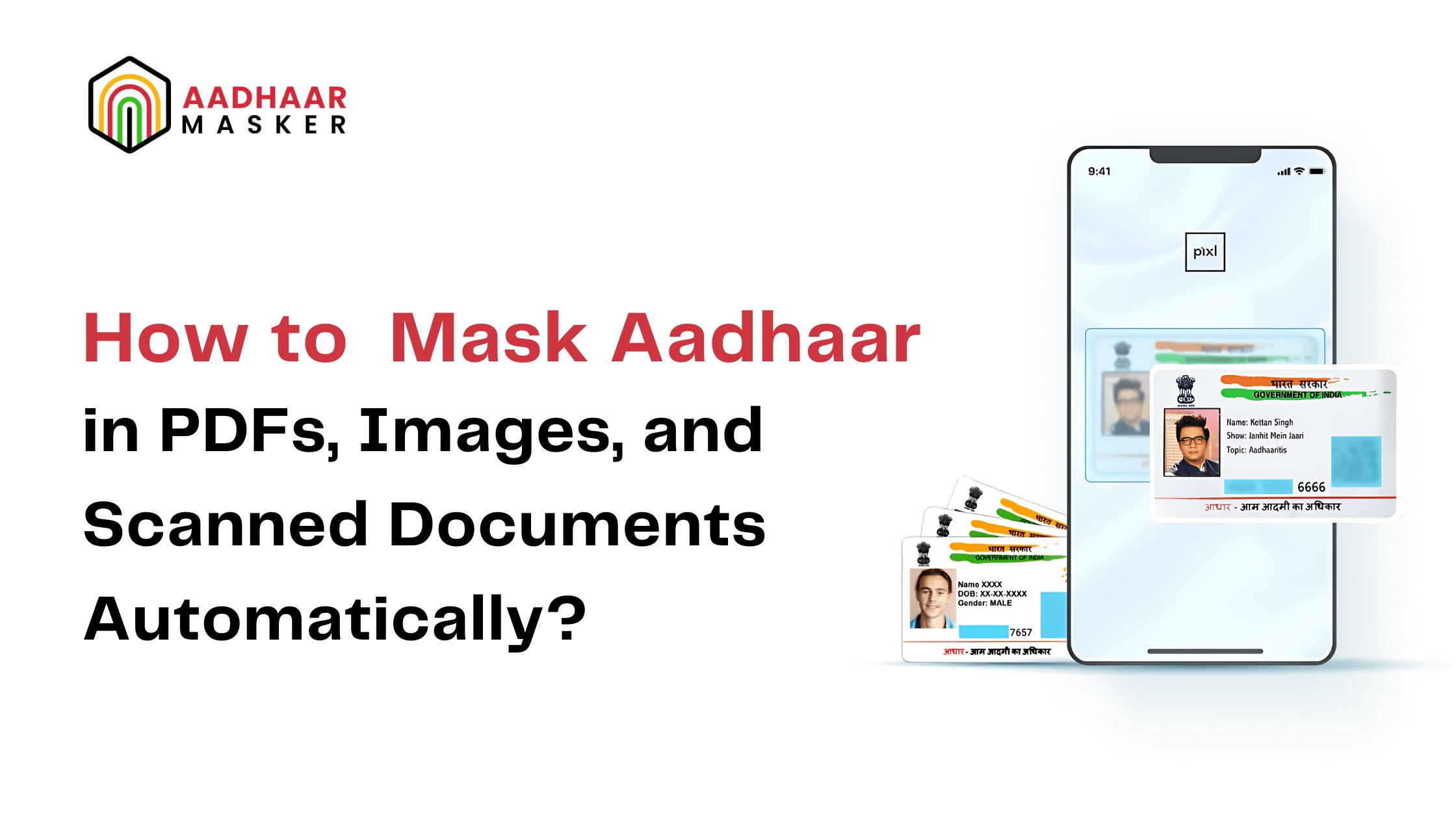
Aadhaar masking is the process of hiding the first eight digits of the 12-digit Aadhaar number and displaying only the last four digits. This ensures that the document remains valid for verification purposes without exposing the full identity number.
Masking is particularly important because Aadhaar data appears in multiple document formats PDFs, scanned forms, mobile captured images, and legacy records. Manual masking is error-prone and unscalable, making automation essential for businesses handling Aadhaar data at scale.
For a detailed read about aadhaar masking,read our blog:Everything You Ever Wanted to Know About Aadhaar Card Masking Solutions.
Automated Masking Techniques
Modern Aadhaar masking solutions rely on a combination of OCR, AI, and image-processing technologies tohandle different document types automatically.
OCR-Based Aadhaar Detection
Optical Character Recognition (OCR) scans PDFs and scanned documents to identify Aadhaar numbers embedded in text. Advanced OCR models can detect Aadhaar numbers even in:
- Low-quality scans
- Rotated or skewed documents
- Handheld mobile captures
Once detected, the Aadhaar number is automatically masked in real time.
Image Processing for Visual Masking
For image-based Aadhaar cards (JPG, PNG, TIFF), image processing algorithms locate the Aadhaar number region and apply:
- Black boxes
- Pixelation
- Blurring or replacement with “XXXX XXXX 1234”
This ensures visual redaction without altering the rest of the document.
Integrated Batch Processing Solutions
Enterprise-grade solutions combine OCR and masking into a single workflow, enabling bulk Aadhaar masking across thousands of documents with consistent accuracy and audit logs.
Tools and Technologies for Automated Aadhaar Masking
Commercial Solutions
- Adobe Acrobat: Offers basic redaction tools for PDFs but requires manual review and is not Aadhaar-specific.
- Redact-It:Useful for document redaction but lacks UIDAI-focused intelligence
Open-Source Alternatives
- Tesseract OCR:Popular OCR engine for text extraction, often combined with Python scripts.
- Python Libraries:Tools like OpenCV and Pillow help process images, while regex patterns identify Aadhaar numbers. These approaches require technical expertise and ongoing maintenance.
Custom & Enterprise Solutions
AI-powered Aadhaar masking platforms integrate OCR, image processing, compliance logic, APIs, and dashboards making them ideal for regulated industries that require accuracy, speed, and audit readiness.
Step-by-Step Guide to Automated Aadhaar Masking
Set Up the Tool or Platform
Choose an OCR-enabled Aadhaar masking solution that supports PDFs, images, and scanned documents.
Upload Documents
Upload individual files or bulk documents via dashboard or API.
Configure OCR and Masking Rules
Enable Aadhaar detection and configure masking to hide the first eight digits automatically.
Run the Masking Process
The system scans, detects, and masks Aadhaar numbers in real time.
Review and Export
Download masked documents or route them directly into KYC, onboarding, or document management systems.
Best Practices for Effective Aadhaar Masking
- Always test outputs to ensure no Aadhaar numbers remain unmasked
- Use automated solutions instead of manual redaction for accuracy and scale
- Maintain audit logs for compliance and regulatory reviews
- Regularly update tools to align with UIDAI and sectoral regulations
- Integrate masking early in workflows, before document storage or sharing
Conclusion
Automatically masking Aadhaar in PDFs, images, and scanned documents is no longer optional it is a regulatory necessity and a security best practice. OCR-driven, AI-powered masking solutions eliminate manual errors, scale effortlessly, and ensure consistent compliance with UIDAI guidelines.
For organizations handling Aadhaar data daily, adopting automated Aadhaar masking is the most reliable way to protect customer privacy, reduce risk, and build long-term digital trust.