How to Download Masked Aadhaar from UIDAI: Step-by-Step Guide
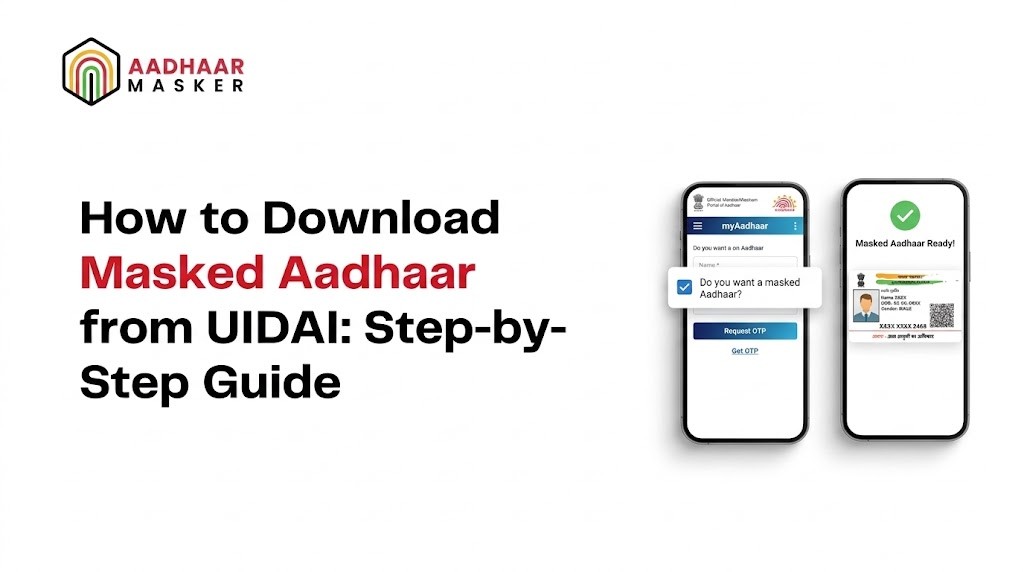
Want to share your Aadhaar for verification without exposing all 12 digits? UIDAI lets you download masked Aadhaar directly from its portal — a privacy-safe version that hides the first 8 digits of your Aadhaar number. This guide walks you through the exact steps to get it done in minutes.
What Is a Masked Aadhaar?
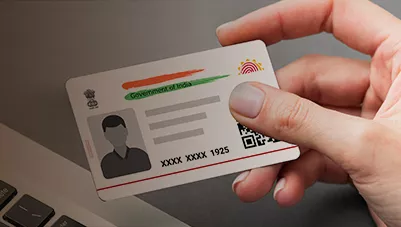
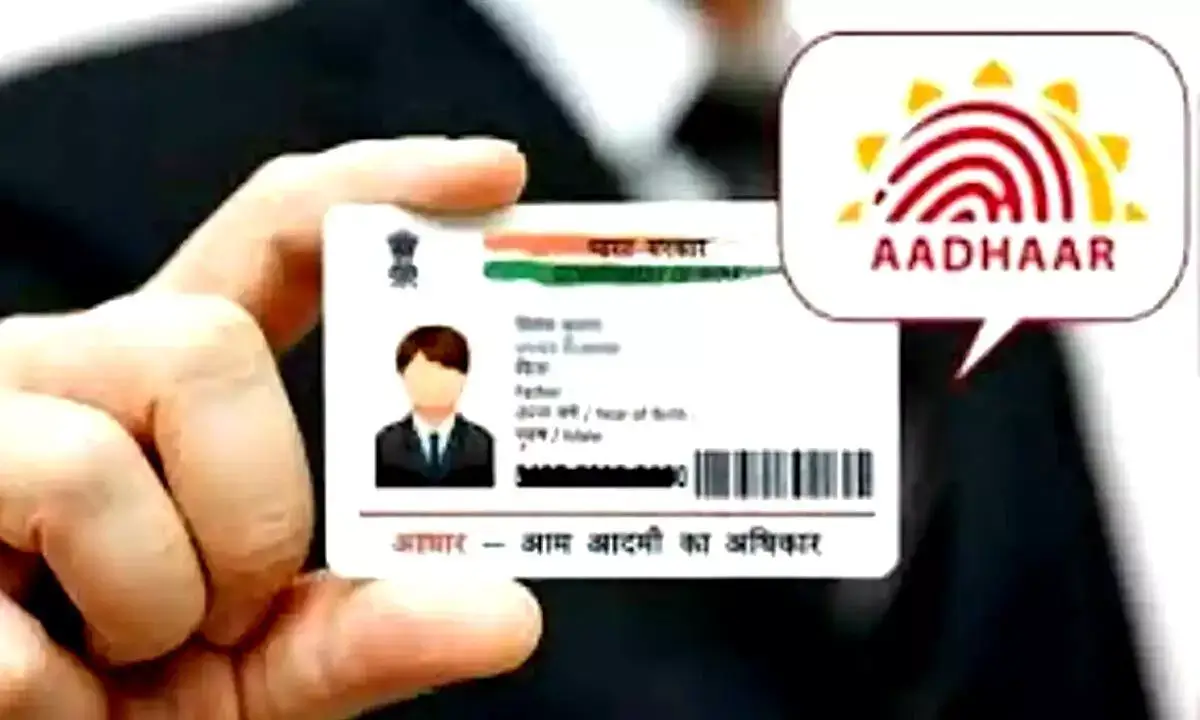
A masked Aadhaar is an official version of your Aadhaar card where the first 8 digits of your 12-digit Aadhaar number are replaced with "XXXX-XXXX", leaving only the last 4 digits visible. All other details — your name, date of birth, address, and photograph — remain exactly as they appear on the original card.
UIDAI introduced this feature so that individuals can share a valid identity proof without unnecessarily disclosing their full Aadhaar number, which is sensitive personal data. A masked Aadhaar carries the same legal validity as a regular Aadhaar for most identity verification purposes.
Why Download Masked Aadhaar Instead of the Regular Version?
Every time you share your full Aadhaar number, you increase the risk of it being recorded, stored, or misused. Here is when using a masked Aadhaar makes more sense than sharing the original:
- Hotel check-ins and travel: Properties often keep photocopies of your ID. A masked Aadhaar gives them enough for identity verification without your full number going into their records.
- Online form submissions: Many portals ask for an Aadhaar copy as part of registration. A masked version fulfils the requirement while limiting your exposure.
- Job applications and background checks: Employers and third-party verification agencies only need to confirm your identity — not retain your complete Aadhaar number.
- Service sign-ups: Telecom, insurance, and fintech companies often collect Aadhaar copies. Using a masked Aadhaar limits what they store about you.
In short, any situation where you need to prove who you are but do not strictly need to reveal the full 12-digit number is a good candidate for the masked version.
How to Download Masked Aadhaar from UIDAI — Step by Step
UIDAI's self-service portal makes it straightforward to download masked Aadhaar. Follow these steps carefully.
Step 1: Go to the UIDAI Self-Service Portal
Open your browser and navigate to the official UIDAI resident portal at myaadhaar.uidai.gov.in. Make sure you are on the official UIDAI domain — do not use third-party websites that claim to offer Aadhaar downloads.
Step 2: Click on "Download Aadhaar"
On the portal homepage, look for the "Download Aadhaar" option under the "My Aadhaar" section and click it to proceed.
Step 3: Log In with Your Mobile Number or Aadhaar Number
You will be prompted to log in. Enter the mobile number registered with your Aadhaar or your 12-digit Aadhaar number. Solve the CAPTCHA displayed on screen and click "Send OTP". Enter the OTP you receive and click "Login".
Step 4: Select "Masked Aadhaar" Before Downloading
After logging in, you will reach the download page. Look for the option that says "Do you want a masked Aadhaar?" — it typically appears as a checkbox or toggle. Enable it. This is the critical step: skipping it downloads the standard Aadhaar with all 12 digits visible.
Step 5: Save and Open the PDF
The system will generate a password-protected PDF. The default password is the first 4 letters of your name in uppercase followed by your birth year. For example, if your name is Rahul Sharma and you were born in 1992, the password is RAHU1992. Open it and verify that "XXXX-XXXX" replaces the first 8 digits.
Alternative: Download Using Enrollment ID or VID
If you do not have your Aadhaar number handy, UIDAI also allows you to download masked Aadhaar using your 28-digit Enrollment ID (EID) or your 16-digit Virtual ID (VID). The process is the same — enter your EID or VID at the login step, receive the OTP, and select the masked option before downloading.
What If Your Mobile Number Is Not Registered?
The OTP-based download requires a mobile number registered with Aadhaar. If yours is not registered or has changed, you have a few options:
- Update your number at an Aadhaar Seva Kendra (ASK): Visit your nearest enrolment centre, submit the required form, and get your new number linked. Once updated, the portal download will work.
- Use Face Authentication: UIDAI's mAadhaar app supports face authentication as an alternative to OTP for users with valid biometric records.
- Order a reprint: UIDAI offers a physical Aadhaar reprint for a nominal fee. Note: this delivers the standard card, not the masked version.
Is Masked Aadhaar Legally Valid?
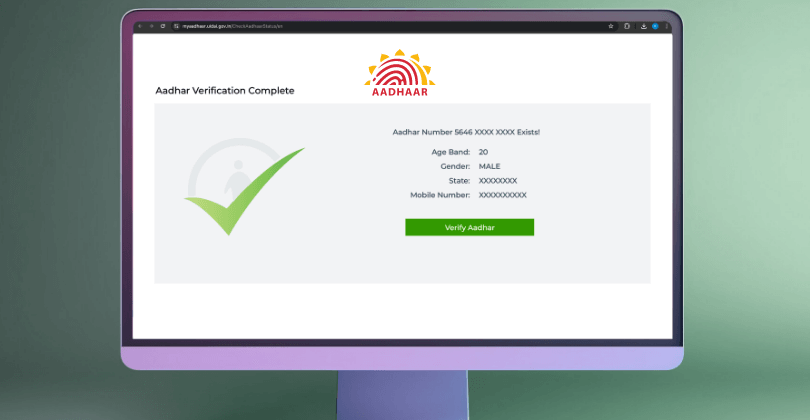
Yes. A masked Aadhaar is officially issued by UIDAI and accepted as valid identity proof for banking KYC, insurance, telecom, government schemes, and more. The UIDAI QR code on the downloaded PDF contains all encoded details needed for digital verification, even though the printed number is partially hidden.
The only situations requiring the full number are those that mandate direct Aadhaar-based biometric authentication with UIDAI, or where a specific government notification explicitly requires it. For everyday identity verification, masked Aadhaar is sufficient and preferred.
Quick Checklist Before You Download Masked Aadhaar
Make sure you have the following ready before visiting the UIDAI portal:
- Your 12-digit Aadhaar number, 28-digit EID, or 16-digit VID
- Access to the mobile number registered with your Aadhaar (for the OTP)
- A stable internet connection
- A PDF viewer that can open password-protected files
- Your name and birth year to form the PDF password
How Businesses Handle Masked Aadhaar Copies
For individuals, the process to download masked Aadhaar from UIDAI is a self-service task. But for businesses — banks, NBFCs, insurers, telecom operators — that collect thousands of Aadhaar copies from customers every day, the challenge is different. They need to ensure every Aadhaar document they store or process has the number masked, even when customers submit unmasked copies.
This is where automated Aadhaar masking solutions come in. Pixl's AI-powered platform detects Aadhaar numbers in documents — scanned PDFs, images, or digital uploads — and masks the first 8 digits automatically, at scale, with no manual intervention. This helps organisations stay compliant with UIDAI guidelines and data protection requirements while processing large volumes of identity documents.
Conclusion
Knowing how to download masked Aadhaar from UIDAI takes less than five minutes if your mobile number is registered. The step most people miss is selecting the "masked Aadhaar" checkbox on the download page — without it, you get the standard version with all 12 digits exposed.
Making it a habit to use masked Aadhaar for routine identity submissions — hotel check-ins, online forms, job applications — is one of the simplest steps you can take to reduce your digital footprint. The last 4 digits are enough for verification in most cases; there is rarely a reason to share more.